


One Inbox for Faster Conversions
Stop missing messages spread across multiple apps. Watibot omnichannel inbox brings every channel into one place for faster replies, smart routing, and no context loss.
All Your Chats in One Inbox
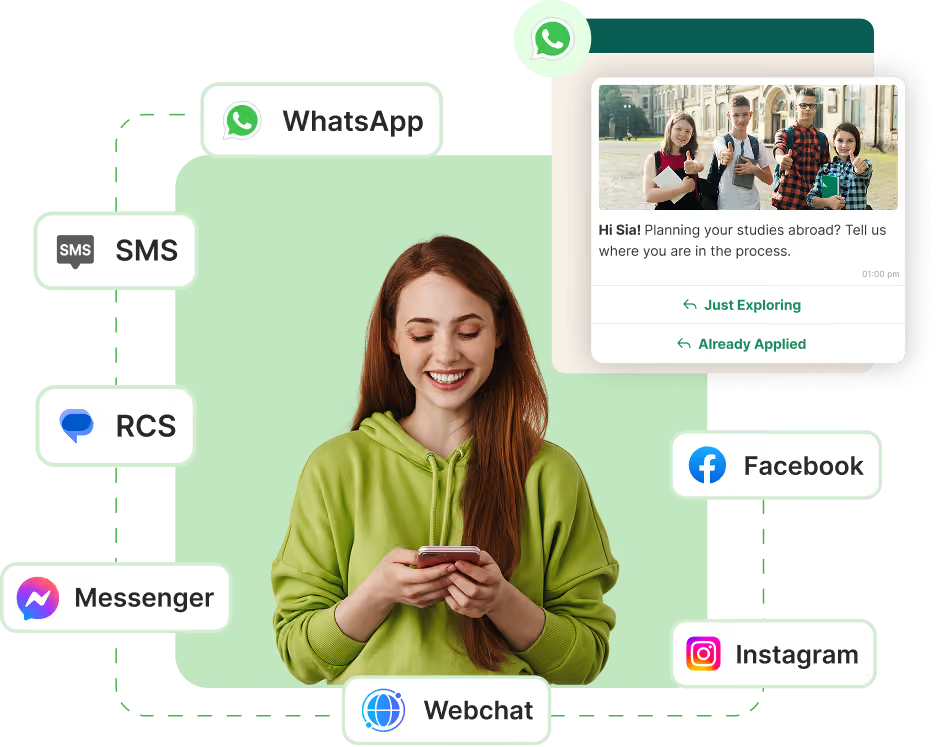
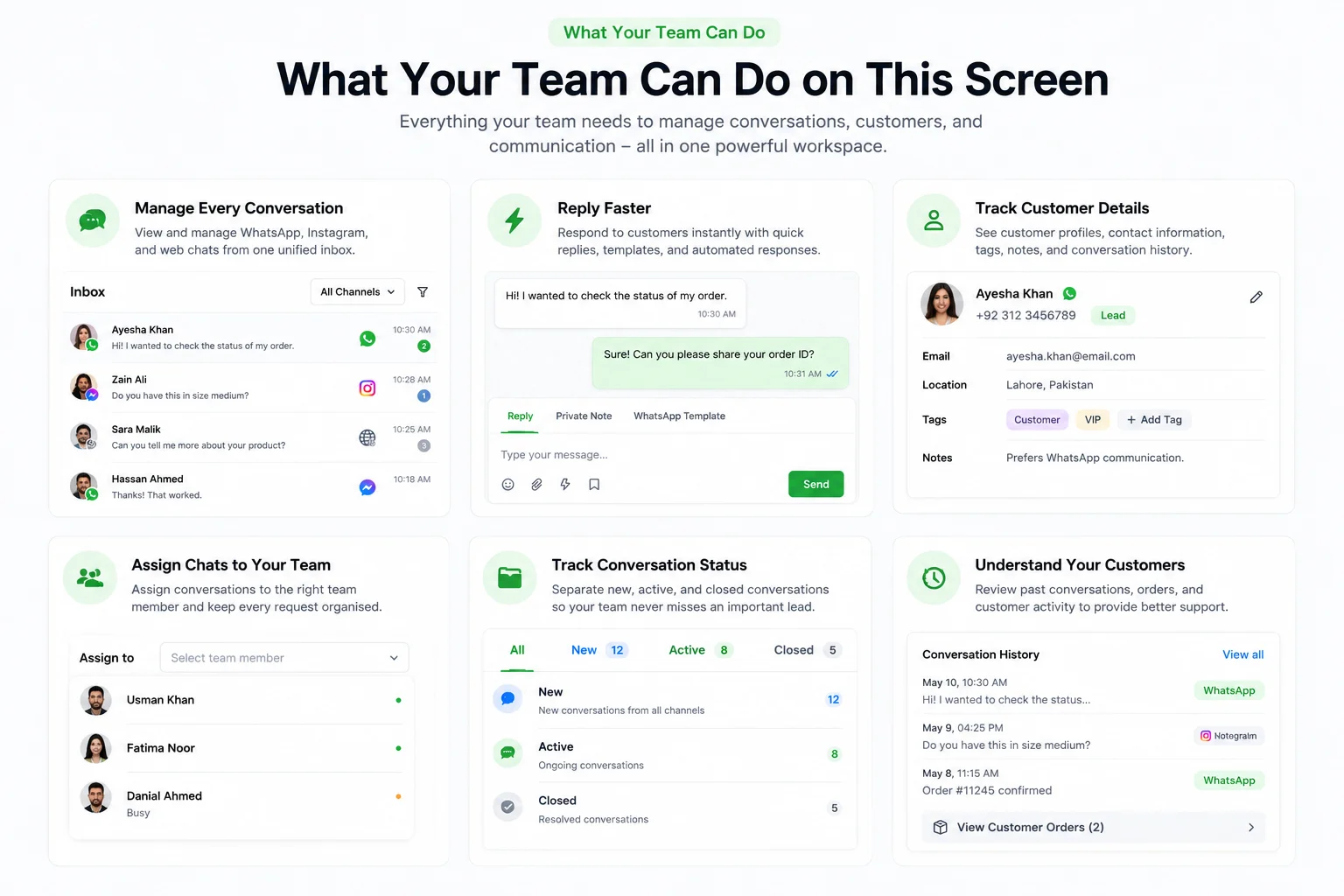
WatiBot brings WhatsApp, web, and Instagram chats into one clean inbox, so your team can manage every conversation from one screen.
What your team sees
- One list of conversations from all channels
- Clear labels for where the chat came from (WhatsApp, web, Instagram)
- New, active and closed chats separated so nothing is missed
- A full message history for each customer in the centre panel

What your team can do on this screen
- Reply to any channel from the same reply box
- Add notes for other team members inside the conversation
- See basic customer details like name, phone and past chats
- Mark a chat as done once the conversation is closed
How this helps in real life
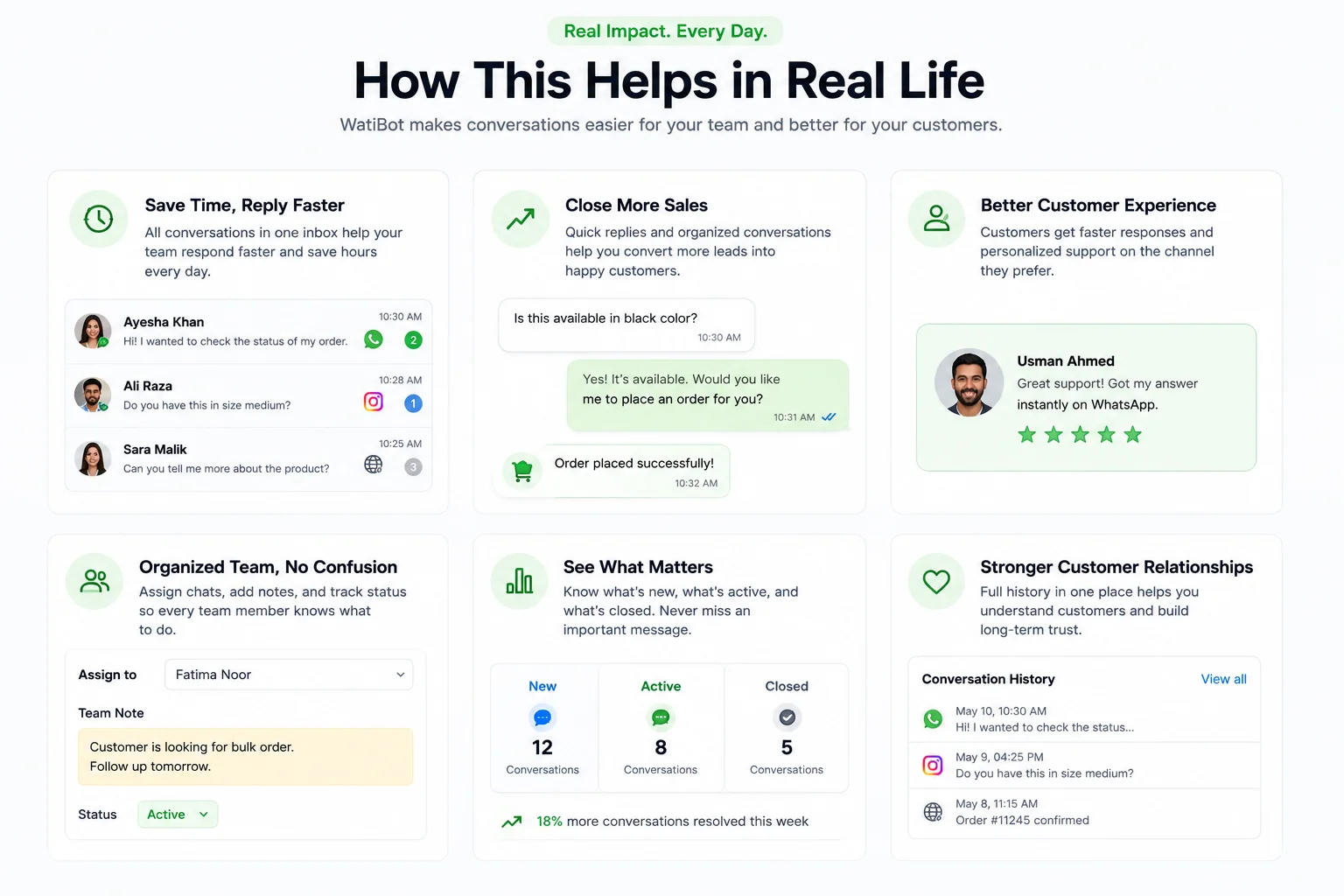
“Can I see WhatsApp chats and website messages in one place?”
Yes. Both land in the same inbox view, with a small channel label so your team knows where the chat started.
“What about Instagram DMs and replies?”
Those also appear in the same queue, so one agent can handle all three channels without logging into three different tools.
Welcome, Answer and Qualify with Chatbots
Watibot lets you put chatbots on WhatsApp, your website messenger and Instagram. The bot can welcome visitors, answer common questions and collect details, so your team only steps in when it really matters.
Show menus like Track my order, Talk to sales, View offers
Let users tap buttons instead of typing long messages
Ask a few essential questions to qualify a lead (name, phone, need, budget, timeline etc.)
Use the same basic flow on all channels, with small changes where needed
Let AI answer free-form questions using your own knowledge base and past chats
Suggest replies to agents inside the inbox so they can respond faster
Help with long or detailed answers where buttons are not enough
Always allow an agent to step in, continue the chat and correct or add details
The same chat thread shows both bot and human messages
Agents see everything the bot has already asked and collected
When an agent takes over, the bot pauses for that conversation
After the chat is closed, the data goes to tags, attributes and CRM as usual
Organise Your Chats by People, Teams and Outcomes
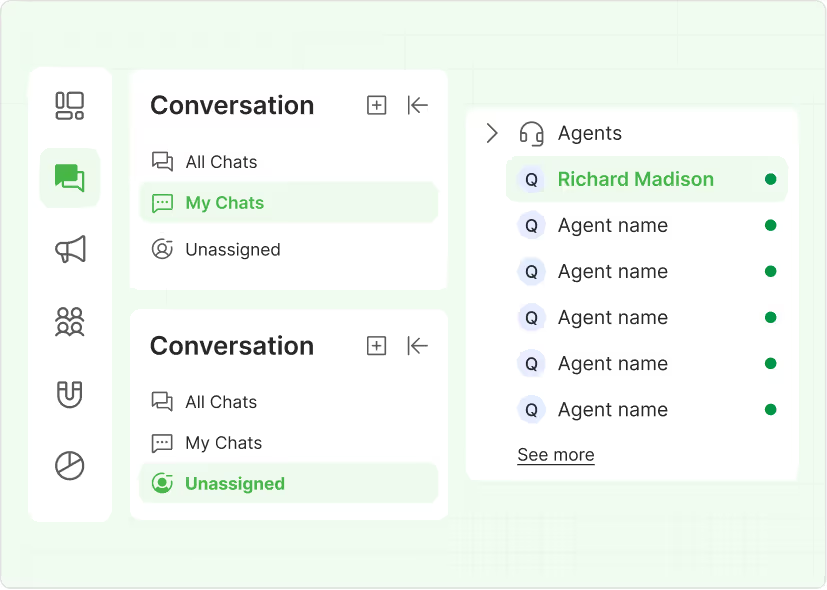
Instead of chats “floating around,” Watibot gives each conversation a clear owner and outcome. New messages go to the right person, handover from bot to human is smooth and your team can quickly mark what came out of the chat.
Route chats based on channel, topic or form answers
Send sales questions to sales, support issues to support, and so on
Balance work across agents so one person is not overloaded
Respect working hours, so chats go only to agents who are actually available
The bot asks the first few questions and collects key details
When the user wants a human, the chat moves to an agent in the same thread
The agent sees everything the bot has already asked and the answers given
No restart, no “please repeat” – the conversation simply continues
At the end of a chat, the agent marks what happened in one click
Use simple outcomes like Qualified lead, Not interested, Follow-up later
Dispositions help you see which chats turned into real opportunities
These outcomes can also update your CRM and trigger follow-up messages later
Tags and Customer Details That Travel With Every Chat
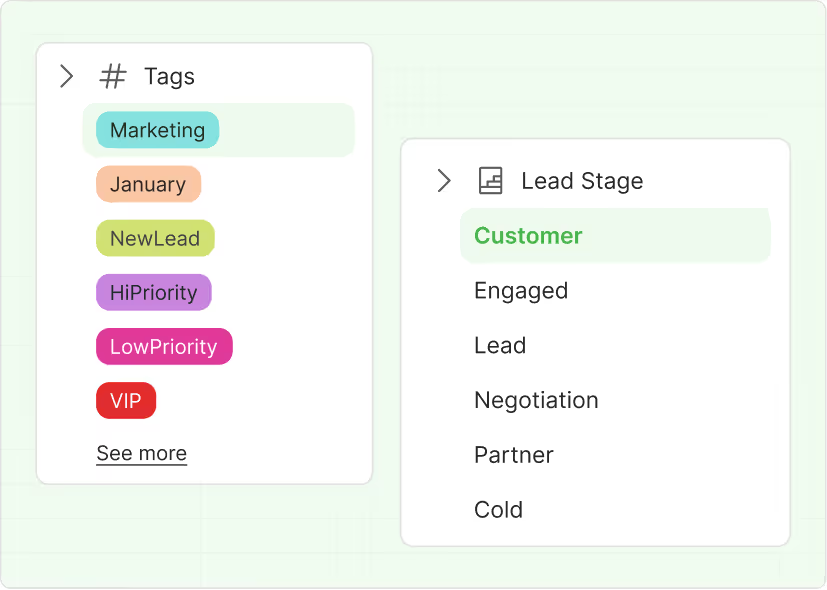
When a chat comes in, your team needs more than just the last message. Watibot keeps customer details and tags next to every conversation and can sync them to the tools where you track your leads or customers, so agents always know who they’re talking to and what has happened before.
Each chat shows basic details like name, phone and channel
You can also see past conversations and recent activity
Simple fields like location, order count or interest area can show up here
Agents don’t have to jump between tools to understand the person
Create your own tags like Hot lead, COD risk, IELTS – Canada, Repeat buyer
Apply tags during or after a chat in one click
Use tags later for campaigns, follow-ups or simple filtering inside the inbox
Keep tags clean and shared, so everyone on the team speaks the same language
Push key tags and fields to tools like your CRM or other lead / customer systems
Make sure sales, support or counselling teams all see the same information
Cut down on manual updates and double entry for your team
Keep reporting and pipelines more accurate because chat outcomes are synced
See How Your Team Is Doing, Not Just Your Chats
Watibot doesn’t just show you messages. It also shows how your team is handling them, who is replying fast, who is closing more chats and where things are getting stuck, so you can coach better and plan staffing with real data.
See how many new chats came in across all channels
Track how many were answered, how many are still waiting
Check how long, on average, it takes for your team to send the first reply
Spot busy days and hours so you know when you need more people online
View chats handled per agent across WhatsApp, web and Instagram
See who is closing more conversations and who has more pending
Compare reply times, so you can support agents who are falling behind
Use this data for coaching, rewards or planning shifts in a simple way
Break down chats by simple outcomes like Solved, Follow-up later, Sales lead
Notice which topics or types of chats take the longest to close
Understand which channels bring more serious leads versus basic questions
Use these patterns to improve bot flows, FAQs or handover rules over time
From Messy Inbox to Clear Priorities
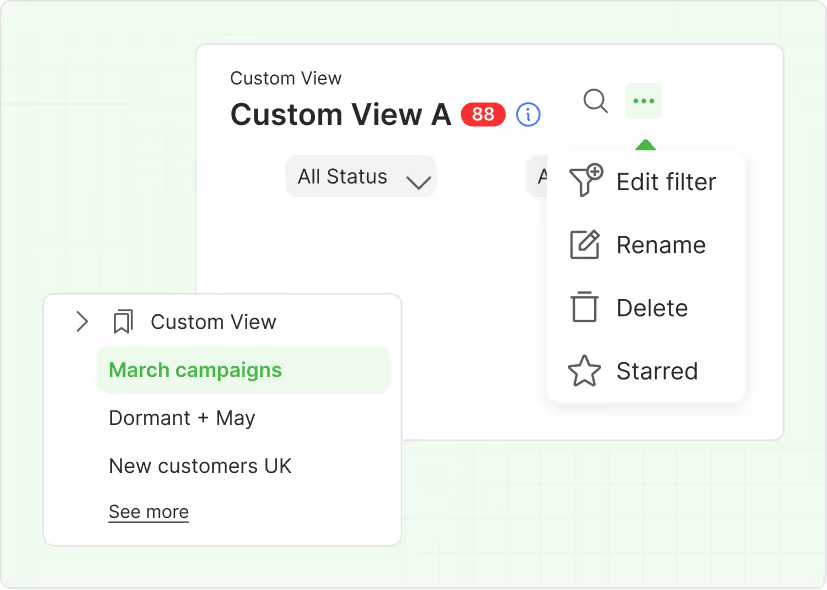
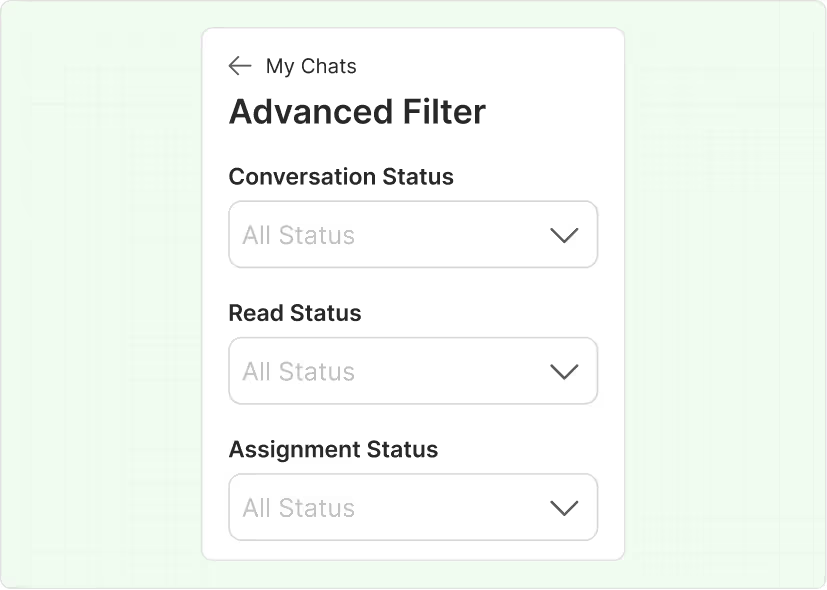
When chats pile up, your team should not scroll endlessly. Watibot lets you filter conversations by person, channel, status or lead quality, and save those views, so everyone can focus on the chats that matter most to them.
How Different Teams Use the Omnichannel Inbox
Use cases for ecommerce
Use cases for Use cases for non-ecommerce
Product doubts and size / fit questions
Course, program or service enquiries